What this is for#
AWS EC2 is the right host for AcelleMail when:
- You already operate other workloads on AWS and want to consolidate.
- You want SES on the same network plane as AcelleMail for sub-millisecond API call latency and free in-region egress (the biggest cost win).
- Your compliance regime requires a specific AWS region or VPC posture.
The trade-off versus DigitalOcean: more flexibility, more dials, more bills to read.
This guide is the AWS-specific overlay on the Ubuntu 24.04 install. It covers the AWS service choices and the egress + port-25 quirks unique to AWS; the actual OS-level install commands match the bare-metal walkthrough.
👉 Canonical OS-level install: Install AcelleMail on Ubuntu 24.04 LTS — run after Steps 1–5 below.
Step 1 — Instance type#
| Tier |
Instance type |
$/mo on-demand |
$/mo 1-yr Reserved (no upfront) |
| Hobby |
t3.small (2 vCPU / 2 GB) + 30 GB gp3 |
~$18 |
~$11 |
| Small (baseline) |
t3.medium (2 vCPU / 4 GB) + 50 GB gp3 |
~$32 |
~$20 |
| Medium |
m6i.large (2 vCPU / 8 GB) + 100 GB gp3 |
~$78 |
~$50 |
| Large |
m6i.xlarge (4 vCPU / 16 GB) + 200 GB gp3 |
~$156 |
~$98 |
| XL |
c6i.2xlarge (8 vCPU / 16 GB) × 2 + RDS |
$300+ |
$190+ |
t3 is the burstable family — fine for AcelleMail at Hobby/Small tier where the workload is bursty (campaign blast, then idle). At Medium tier and up, switch to non-burstable m6i so a sustained worker push doesn't exhaust CPU credits.
Reserved Instances cut the bill by ~35-40% with no operational change. For any production workload running > 6 months, this is free money. The "no upfront" payment option lets you cancel mid-term with no penalty.
Spot Instances cut another ~70% but expose you to 2-minute eviction warnings. For AcelleMail, spot is reasonable for queue worker fleets (jobs are retryable; eviction loses at most one in-flight job) but not for the primary application instance — you don't want the admin UI to disappear mid-session.
The pre-built Ubuntu 24.04 LTS AMI (Canonical, owner 099720109477) is in every region. Find with:
aws ec2 describe-images --owners 099720109477 \
  --filters "Name=name,Values=ubuntu/images/hvm-ssd-gp3/ubuntu-noble-24.04-amd64-server-*" \
  --query 'Images | sort_by(@, &CreationDate)[-1].ImageId' --output text
Step 2 — EBS volume#
Use gp3 (general-purpose SSD) for the root volume. gp3 is faster and cheaper than gp2 (the older default), with explicit IOPS + throughput dials independent of size.
For AcelleMail at Small tier:
- Size: 50 GB. Logs + the
acellemail-latest.zip + DB grow surprisingly fast under heavy campaign volume.
- IOPS: 3,000 (gp3 baseline; free).
- Throughput: 125 MB/s (gp3 baseline; free).
For Medium tier and above with the database co-located, bump IOPS to 5,000-8,000 (paid). Or split the DB to RDS, which is cleaner.
Enable EBS snapshots as your droplet-level backup — schedule via Data Lifecycle Manager (free) for daily snapshots with 14-day retention.
Step 3 — Security Group#
Create a Security Group with these rules:
| Direction |
Port |
Source |
Purpose |
| Inbound |
22 |
your-office-cidr |
SSH (lock to your IP — never 0.0.0.0/0 in production) |
| Inbound |
80 |
0.0.0.0/0 |
HTTP (certbot challenge + redirect) |
| Inbound |
443 |
0.0.0.0/0 |
HTTPS (admin UI + tracking endpoints) |
| Outbound |
All |
0.0.0.0/0 |
Sending APIs + apt + composer |
For an extra layer, attach AWS Systems Manager Session Manager instead of opening port 22 — SSH via the AWS console without any inbound rule (and with full audit trail).
Step 4 — Elastic IP#
Allocate an Elastic IP (EIP) and associate it with the EC2 instance before pointing DNS at it. Same logic as DigitalOcean's Reserved IP — when you rebuild or migrate, the IP reassigns to the new instance with no DNS change and the sender reputation is preserved.
Cost note: an attached EIP is free; an unattached EIP is $3.65/month. Always associate before allocating, and release immediately when you tear down an instance.
Reverse DNS (PTR) for the EIP is set via the EC2 Email Sender Limit Removal form — same form that requests port-25 unblock. State the FQDN you want the PTR to resolve to (e.g. mail.example.com) and AWS sets it on your EIP within 24-48 hours. Without this, Gmail / Outlook will treat your sends as suspect — but if you're using SES (the recommended path), the SES IP pool has its own PTR setup and this becomes a non-issue.
Step 5 — RDS for MySQL (optional, recommended at Medium+)#
RDS → Create Database
  Engine: MySQL 8.0
  Template: Production (Multi-AZ for HA) or Dev/Test (single AZ for cost)
  Instance: db.t3.micro (Hobby) → db.m6i.large (Medium+)
  Storage: 20 GB gp3, autoscaling enabled
  VPC: same VPC as EC2; subnet group spanning ≥ 2 AZs
  Public access: NO
  Security group: allow 3306 from EC2 SG only
Pick "Automated backups: 7 days" (free) and "Multi-AZ: yes" for production HA (doubles cost but adds failover replica).
The connection string from RDS plugs into the AcelleMail web installer in place of localhost/acellemail. Verify the RDS parameter group has character_set_server = utf8mb4 — some default parameter groups still ship utf8 (the 3-byte variant) which corrupts emoji subject lines and Vietnamese / Chinese characters.
Step 6 — Run the OS-level install#
SSH in (or use Session Manager), then follow the canonical Ubuntu 24.04 install from Step 1 (System packages) through Step 10 (Web installer).
If you went RDS in Step 5 above, skip Step 3 (MySQL) of the Ubuntu guide and use the RDS endpoint instead.
For certbot on AWS, the standard --nginx plugin works on port 80, but if your Security Group blocks port 80 inbound (corporate policy), use the DNS challenge plugin against Route 53:
sudo apt install -y python3-certbot-dns-route53
sudo certbot certonly --dns-route53 -d mail.example.com \
  --non-interactive --agree-tos --email you@example.com
This requires the EC2 instance role to have route53:GetChange + route53:ChangeResourceRecordSets permissions on the relevant hosted zone — attach via IAM instance profile.
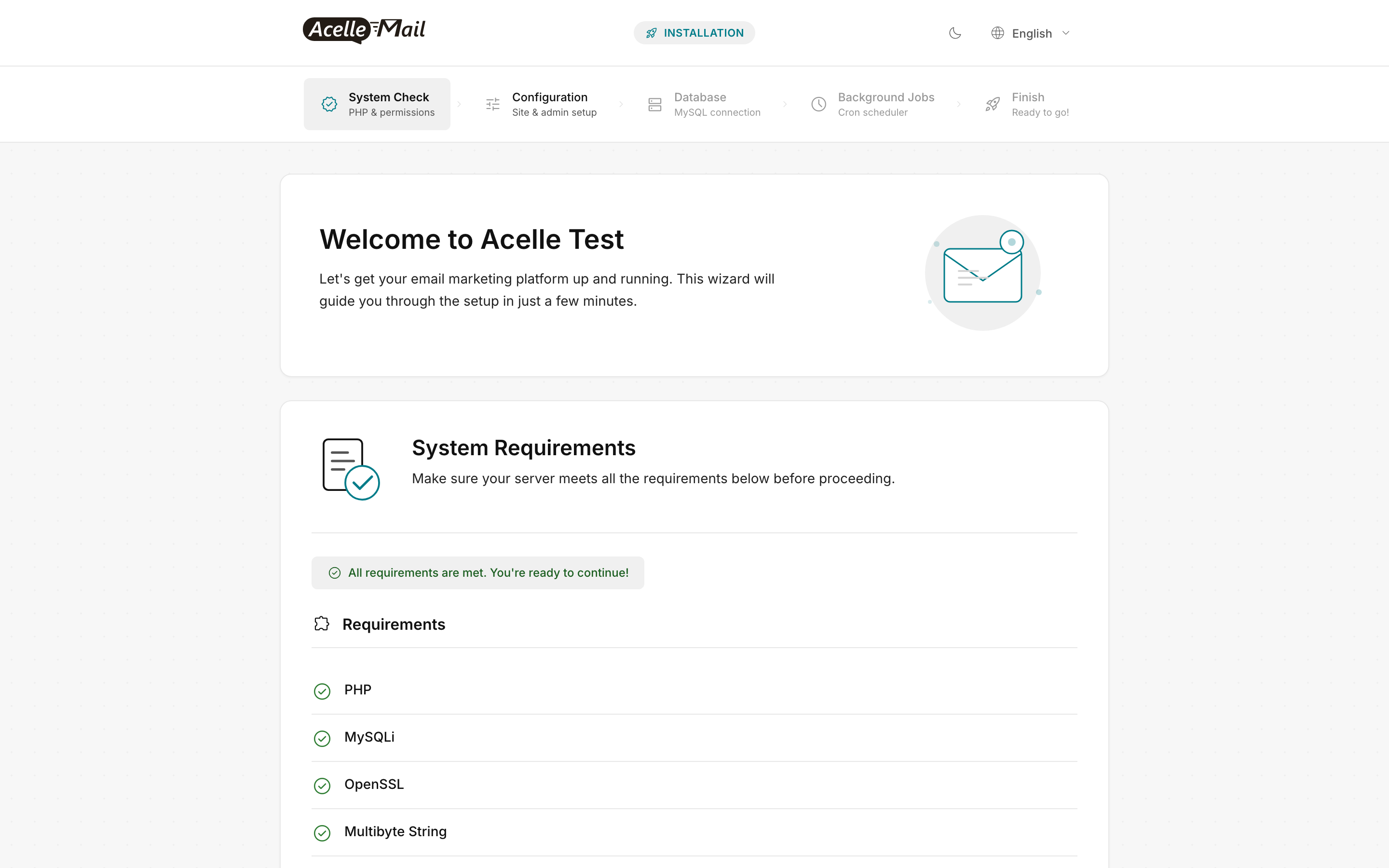
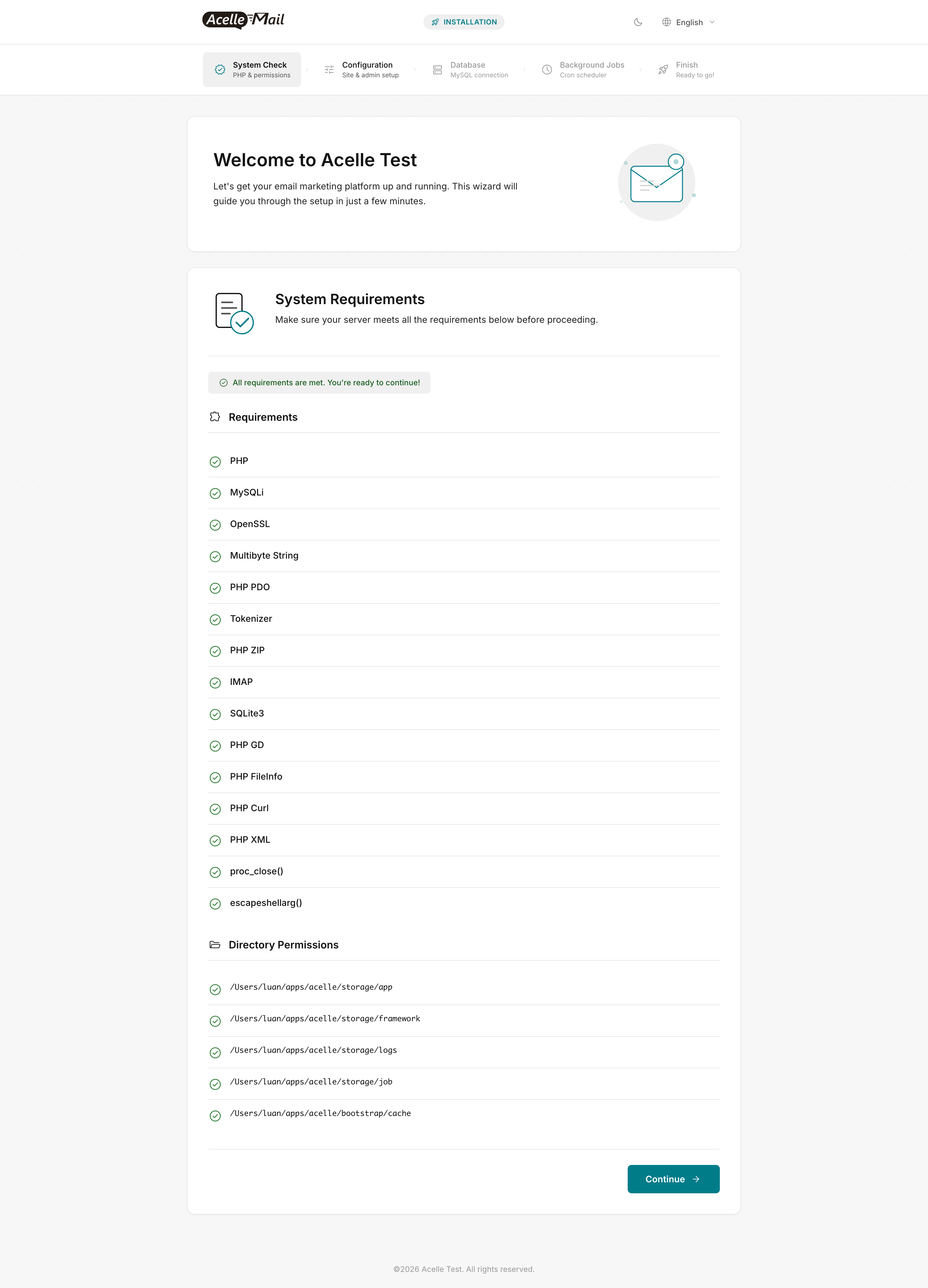
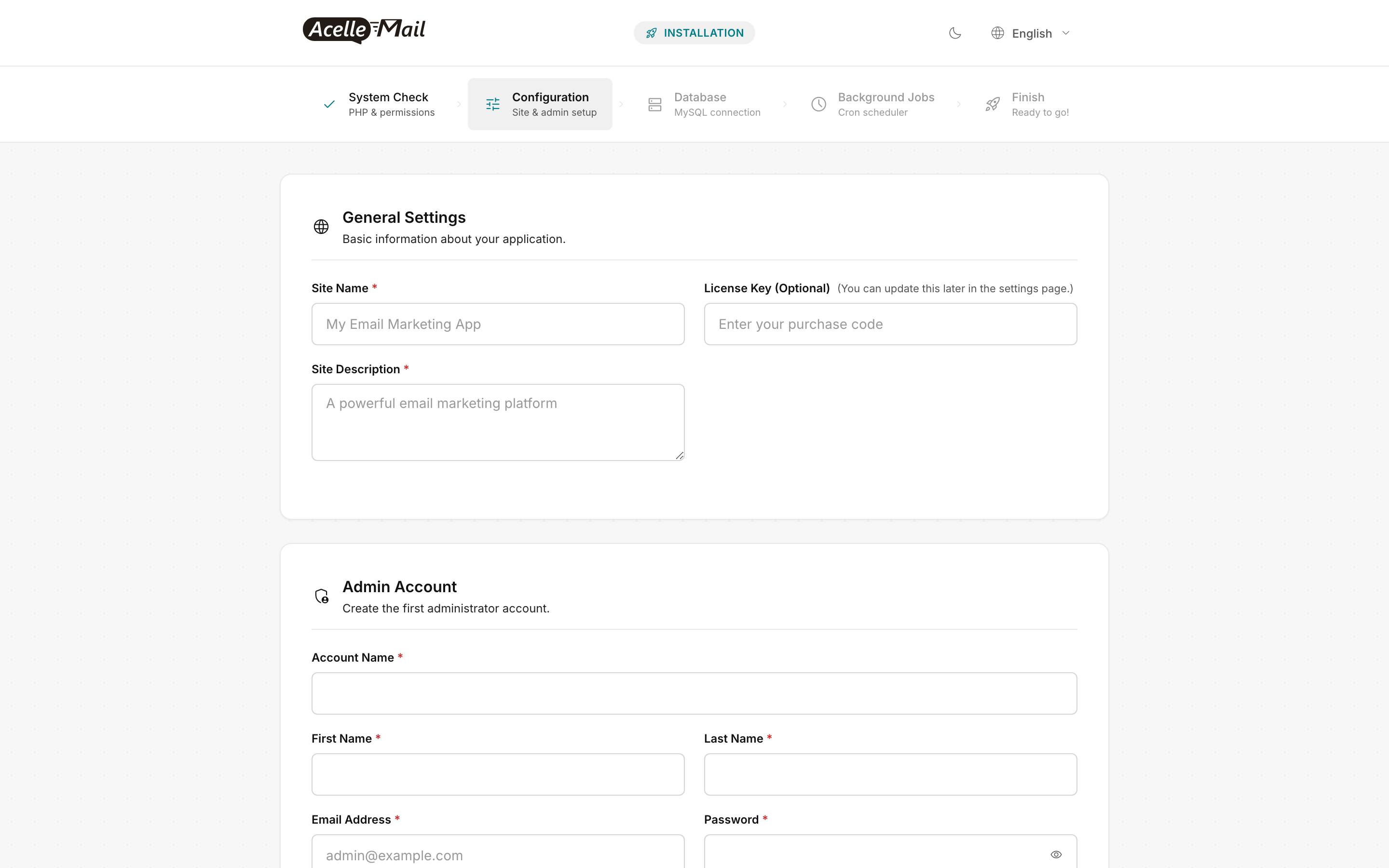
The web-installer wizard is the same regardless of host:
Step 7 — SES integration (highly recommended)#
AcelleMail's Amazon SES driver is the obvious sending choice when running on AWS — same network plane, no public-internet hop, free in-region egress. The setup:
- Verify your sending domain in SES in the same region as your EC2 (e.g.
us-east-1). The SES verification flow generates SPF + DKIM DNS records to add at your DNS provider.
- Move out of SES sandbox — file a Support Center ticket with your sending pattern + use case. Amazon usually grants production access within 24 hours for legitimate use. Sandbox is 200/day, hard cap; production starts at 50k/day and ramps as your reputation builds.
- Create an IAM user with
AmazonSESFullAccess (or scoped policy with just ses:SendRawEmail). Generate access key + secret.
- In AcelleMail Admin → Sending Servers → New → Amazon SES, paste credentials + region.
- Set sending quota matching your SES sandbox-out limit (start at 200/day, ramp per IP warmup schedule).
- See SES sending limits cookbook for quota management as you scale.
Port 25 on AWS#
AWS blocks outbound port 25 by default on every EC2 instance. Unlike DigitalOcean, AWS rarely grants requests to unblock — the policy is to use SES instead. For 99% of AcelleMail users this is fine; SES via API speaks HTTPS on port 443 and never touches port 25.
If you have a hard requirement to send via outbound SMTP from EC2 (e.g., on-premises mail relay integration), file an AWS port-25 unblock request — it's an EC2 limit-increase request, not impossible but slow.
Egress cost — the AWS gotcha#
EC2 egress to the public internet costs $0.09/GB in us-east-1 (cheaper in some regions, more expensive in others). AcelleMail itself is light on outbound traffic — the heavy egress is to the sending API.
When you use SES in the same region, traffic stays inside AWS's network and is free (private IP path). If you use Mailgun/SendGrid/etc. (external sending APIs), every email's body + headers go out as billable egress — a 50 KB email sent 100k times is 5 GB / month ≈ $0.45 in egress. Not big, but it compounds at scale.
Rule of thumb on AWS: use SES, not external sending APIs, unless you have a specific reason. The cost + latency advantage compounds with volume.
Step 8 — CloudWatch + alerts#
CloudWatch Agent installs free; configure metrics + log shipping:
sudo apt install -y collectd
wget https://amazoncloudwatch-agent.s3.amazonaws.com/ubuntu/amd64/latest/amazon-cloudwatch-agent.deb
sudo dpkg -i amazon-cloudwatch-agent.deb
sudo /opt/aws/amazon-cloudwatch-agent/bin/amazon-cloudwatch-agent-config-wizard
CloudWatch Alarms — set the standard four:
| Alarm |
Threshold |
Why |
| CPUUtilization |
> 80% for 5 min |
t3 credit exhaustion / sustained underprovisioning |
| Memory |
> 90% for 5 min (custom metric via agent) |
PHP-FPM + MySQL + Redis crossing safe limits |
| DiskSpaceUtilization |
> 85% |
Logs / queue spool runaway is the #1 silent failure |
| EstimatedCharges |
> $X/month (billing alarm) |
Single best AWS guardrail; catches a misconfigured campaign that suddenly racks up SES + egress |
The billing alarm is the only one that catches "I accidentally re-imported the contact list 50 times" before it's a $5000 surprise.
Cost worked example — Small tier production#
| Line item |
$/month on-demand |
$/month 1-yr Reserved |
| EC2 t3.medium |
32 |
20 |
| 50 GB gp3 EBS |
4 |
4 |
| Elastic IP (associated) |
0 |
0 |
| EBS snapshots (DLM) |
2 |
2 |
| RDS db.t3.micro Multi-AZ (optional) |
30 |
18 |
| CloudWatch logs + metrics (basic) |
3 |
3 |
| SES (50k – 500k sends, $0.10/1k) |
5 – 50 |
5 – 50 |
| Egress (SES is free) |
1 |
1 |
| Domain + Route 53 hosted zone |
1.50 |
1.50 |
| Total |
48 – 124 |
35 – 100 |
Cheaper than DigitalOcean for the same workload only after you commit to a 1-year Reserved Instance. On-demand AWS is more expensive than DO; on a 1-year RI it's competitive. On a 3-year RI, AWS wins outright.
Common issues#
| What you see |
Likely cause |
Fix |
| t3.small CPU credit balance drops to 0 mid-campaign |
Workload exceeded t3 burst budget |
Upgrade to m6i.large (non-burstable) for sustained workloads |
| RDS connection fails from EC2 |
SG on RDS doesn't allow EC2 SG |
Edit RDS SG → inbound rule, source = EC2's SG (not its IP) |
Vietnamese / emoji subject lines render as ??? after import |
RDS parameter group character_set_server is utf8, not utf8mb4 |
Create custom parameter group with utf8mb4, attach to RDS, reboot |
| Bill spikes unexpectedly after first campaign |
Egress to non-AWS sending API |
Migrate sending to SES in-region (free egress) |
| Certbot fails: "could not bind to port 80" |
SG blocks port 80 inbound |
Add port 80 rule, OR use --dns-route53 plugin (Step 6) |
| Sends slow / queued for hours |
t3 instance ran out of credits, OR worker not running |
Check CloudWatch CPU + supervisorctl status acellemail-worker:* |
| Session Manager won't connect |
SSM agent not installed (older AMIs) or instance role missing AmazonSSMManagedInstanceCore |
Attach the SSM policy to the instance profile; reboot |
| SES test send returns "Email address is not verified" |
Sandbox mode still active OR sending from unverified identity |
File support ticket to leave sandbox; verify the from-address in SES |
FAQ#
What about ECS / Fargate / EKS? Same container architecture as the Docker deployment guide. Use ECS Fargate with EFS for the AcelleMail code volume; EKS if you already operate Kubernetes. Both work; both are noticeably more complex than EC2 + EBS for a single-instance workload.
Should I use Lightsail instead? Lightsail is EC2 + RDS + Load Balancer + bundled egress at a flat monthly price. Easier billing, less flexibility. Reasonable for hobby and small production; outgrown at Medium tier when you start needing IAM-scoped policies and VPC controls. The install steps are identical to EC2 — same Ubuntu image, same Ondrej PPA, same vhost.
What region should I pick? Match your audience and your SES region. SES is region-aware; sending from us-east-1 to a us-east-1 SES endpoint is the lowest-latency, lowest-cost path. If your audience is EU, use eu-west-1 for both. Don't cross regions unless you have a specific reason.
Can I scale to multiple AZs? For a single-instance AcelleMail, you don't need to. Single AZ + EBS snapshots + IAM-controlled rebuild is sufficient HA for sending workloads (a 4-hour outage is annoying, not catastrophic). Multi-AZ kicks in at XL tier with multiple application instances behind an ALB — see Scaling for 100K+ Emails Per Day.
Reserved Instance vs Savings Plan? Both cut the same ~35-40%. Savings Plans are more flexible (apply to any instance family in any region) — recommended unless you're 100% sure of the instance shape. Pick "Compute Savings Plan" over "EC2 Instance Savings Plan" for maximum flexibility.
What about Graviton (ARM) instances? t4g / m6g are ~20% cheaper than the equivalent Intel SKUs. PHP 8.3 runs fine on ARM. Caveat: the official Ubuntu Ondrej PPA does ship ARM packages, but a small fraction of third-party PHP extensions (especially PECL ones) may need building from source. For a stock AcelleMail install with only the wizard-required extensions, Graviton works fine and saves money.
Related articles#
